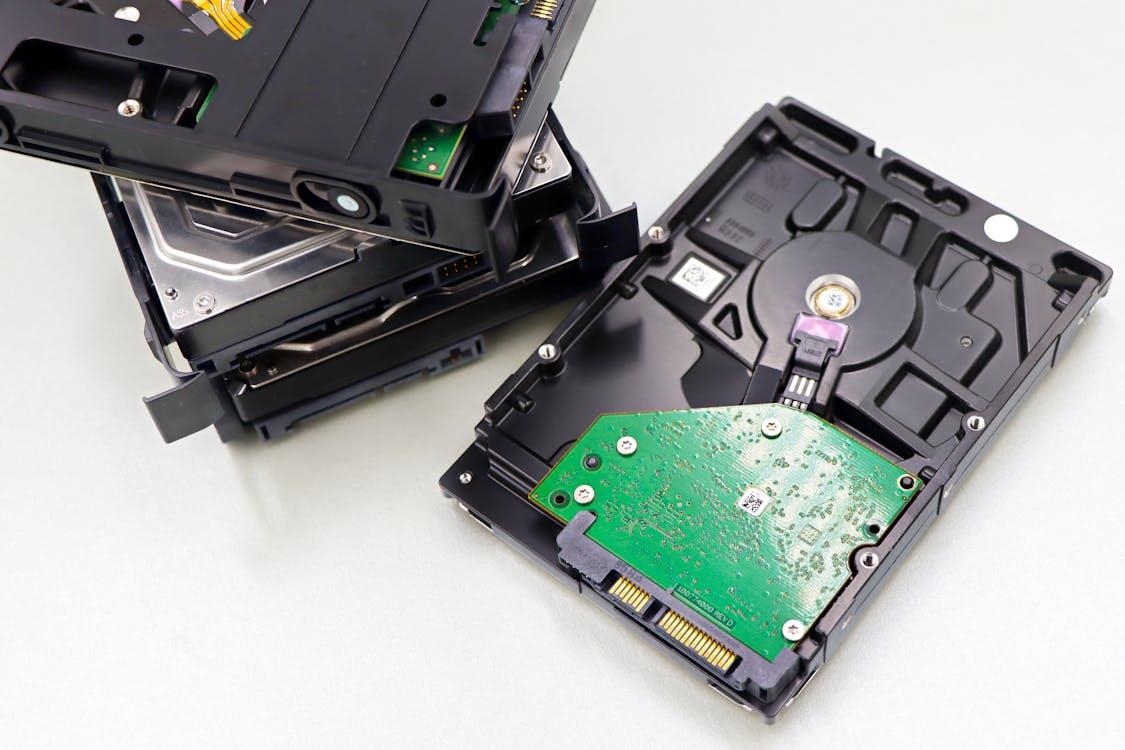
People tend to treat storage devices like quiet boxes that just sit there, holding data without complaint, but that assumption breaks pretty quickly once you look at how usage patterns actually shape lifespan. A drive doesn’t age evenly. It reacts—sometimes slowly, sometimes all at once—to how often it’s written to, how full it stays, how hot it runs, and how abruptly it’s shut down. Light use spreads wear thin, almost forgettable; heavy, repetitive writing concentrates stress into specific cells or sectors, and over time, those spots degrade faster than the rest. And it’s not always obvious. A user might think they’re being gentle just because they aren’t moving big files around, yet background processes—updates, logs, caching—keep writing in small bursts, constant, low-level pressure that adds up.
Hard drives and solid-state drives respond differently, but the pattern holds: behavior matters more than people assume. A mechanical drive, for instance, doesn’t like frequent spin-ups and sudden stops. It prefers long, steady sessions over repeated short bursts. But users do the opposite—open, close, power cycle. Meanwhile, SSDs don’t have moving parts, so they avoid that specific stress, yet they carry another limitation that’s less visible but stricter.
TBW and SSD Endurance
This is where endurance metrics come in, especially when people start wondering how long a drive will actually last in normal use. SSDs are usually rated with something called Total Bytes Written (TBW), which is just an estimate of how much data you can write to the drive before the memory cells start wearing out noticeably. TBW = total data written over the device’s lifetime.
Let’s get into it; TBW and SSD endurance explained — it’s not a strict limit where the drive suddenly dies. It’s more gradual. As you get closer to that number, errors can increase, the drive works harder to fix them, and performance may drop a bit. But it doesn’t happen evenly. Some parts of the drive wear out sooner, others last longer. How you use the drive plays a big role here. Heavy tasks like video editing, running databases, or constant downloads will push the drive toward that limit much faster than light use like browsing or basic office work. Still, many people assume storage will just keep working forever without thinking about this.
Also, keeping an SSD almost full makes things worse. The drive needs free space to spread out data evenly, a process called wear leveling. When there isn’t enough space, the same areas get written to again and again. The drive tries to manage it, but it can only do so much, and that speeds up wear over time.
Write Patterns, Not Just Volume
It’s easy to think total data written is the only thing that matters, but the pattern of those writes plays its own role. Large sequential writes are relatively kind—they move smoothly and are predictable. Random small writes are harsher, scattered across the storage, forcing the controller to work harder, rearrange data, and clean blocks. That internal cleanup, called garbage collection, creates additional writes that the user never sees. So the actual wear becomes higher than expected.
And then there’s caching behavior. Operating systems and applications constantly write temporary data, sometimes rewriting the same blocks repeatedly within short time spans. A browser cache alone can generate thousands of small writes per day. Add system logs, background syncing, software updates—it becomes noise, constant and unavoidable. Not dramatic, but persistent. Over months, years, it matters.
Heat, Power, and the Quiet Damage
Temperature rarely gets attention, but it quietly shapes lifespan. Drives don’t like heat. Sustained high temperatures accelerate wear in both HDDs and SSDs, though the mechanisms differ. In SSDs, heat can increase leakage in memory cells, making it harder to retain data accurately. In HDDs, thermal expansion can affect mechanical tolerances. Either way, the result isn’t immediate failure; it’s slow degradation, harder to detect.
Power behavior matters too. Sudden outages, forced shutdowns—these interrupt write operations mid-process. HDDs risk head crashes or corrupted sectors. SSDs risk incomplete writes and data inconsistencies. Some drives include protection systems, small capacitors that allow data to finish writing during a power loss, but not all models do. So repeated interruptions stack up, and reliability slips.
Full Drives, Slower Death
Running a drive near full capacity feels efficient, like using every bit of what you paid for. But it comes with trade-offs. HDDs slow down as they fill, since data is written toward the inner tracks that are physically slower. SSDs behave differently but still struggle when space is tight. Less free space means less room for wear leveling, fewer spare blocks to rotate into use, and more frequent garbage collection.
That leads to write amplification—a situation where the drive writes more data internally than the user actually requested. And that extra work counts against the device’s lifespan. So a nearly full SSD doesn’t just perform worse; it ages faster.
Human Habits, Machine Consequences
User habits often look harmless in isolation. Downloading large files regularly, editing videos, running virtual machines, or even keeping dozens of browser tabs open—it all contributes to write activity. None of it feels extreme, but together they create a pattern. A routine. And routines are what drives respond to over time.
But habits can shift lifespan in the other direction, too. Leaving some free space, avoiding unnecessary writes, keeping temperatures moderate—these small choices stretch endurance. Not dramatically, not instantly, but enough to matter over the years. And that’s the point: storage lifespan isn’t fixed at the factory. It’s negotiated daily, shaped by how the device is used, ignored, pushed, or cared for.
No Single Failure Moment
Drives rarely fail cleanly. Instead, performance drops, errors increase, and access times stretch out. Data might still be there, but harder to reach, slower to load. People notice late. Sometimes too late. And it creates the illusion that failure was sudden, when really it had been building quietly under the surface, shaped by usage patterns that seemed normal at the time.
So the lifespan of a storage device isn’t just about build quality or brand. It’s about behavior—messy, inconsistent, human behavior pressing against technical limits. Some users wear out drives in a few years without realizing why. Others keep the same hardware running far longer, not through luck, but through quieter, less aggressive use. There’s no perfect formula. Just patterns, repeated over time, leaving their mark.