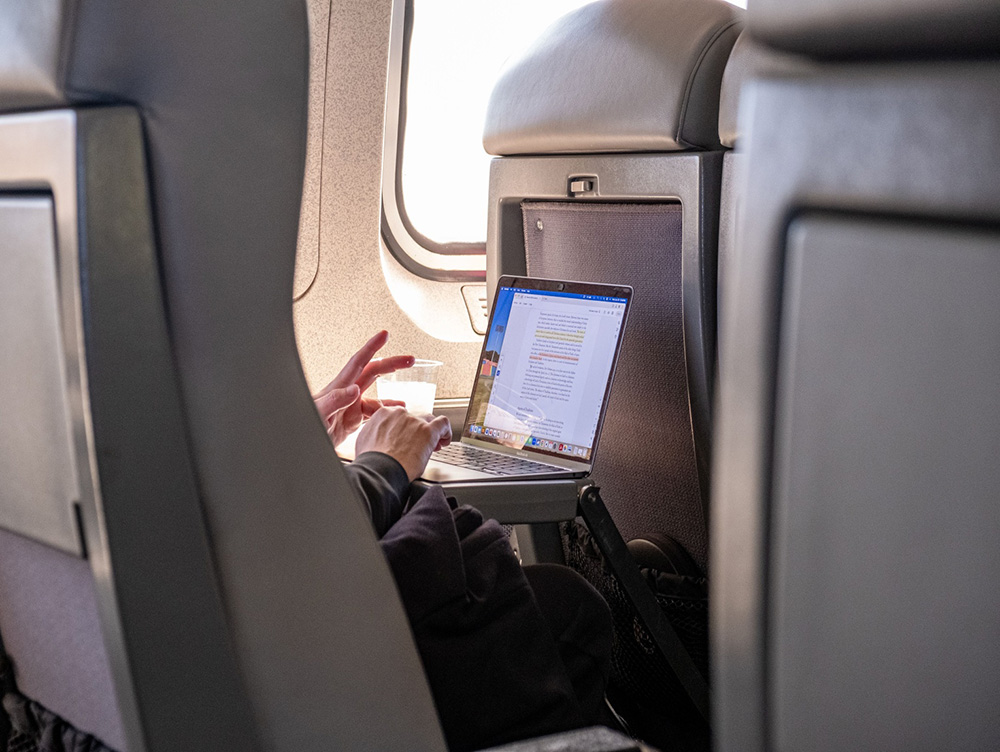
I’ll be honest, my email account was not something I ever thought about before a trip. My core checklist consisted of passport, travel insurance, offline maps and local SIM. Email was just… there, running in the background, assumed to be fine.
It wasn’t until I started spending longer stretches away, logging into airport Wi-Fi and hotel networks without a second thought, that I started paying more attention to what I was actually exposing.
Why travel puts your inbox at risk
When you’re at home, you’re mostly connecting through networks you trust. On the road, that changes fast. Public Wi-Fi in cafes, airports and hostels is notoriously easy to intercept, and your email account is one of the most valuable things an attacker could access. Many travellers now rely on secure apps and privacy tools to stay protected on the road, something frequently highlighted in guides to the best apps for travel.
Think about what sits in a typical inbox: booking confirmations with personal details, payment receipts, password reset links and a tonne of other sensitive info. If someone gets in, they can cause serious damage quickly.
It’s not just Wi-Fi either. Between logging into accounts on shared devices, staying signed in on a phone you later lose and weak passwords reused across platforms, travel has a way of making already-bad habits worse.
What good email hygiene actually looks like on the road
The Australian Cyber Security Centre puts together practical digital security tips for travellers that are worth bookmarking. The core advice covers things like keeping software updated, enabling two-factor authentication and being cautious about what you access on public networks.
On the email side specifically, a few things make a real difference. Start off with two-factor authentication. If someone does get hold of your password, 2FA buys you crucial protection. Set it up before you leave, not after something goes wrong. Make sure you stay signed out when you’re done. It sounds obvious, but it’s easy to forget on a phone when you’re rushing to catch a bus.
Also, be extra wary of phishing on the road. Scammers know that travellers are distracted and often dealing with unfamiliar systems, so fake booking confirmation emails are common. If something looks slightly off, trust that instinct.
Is it worth switching to a more private email provider?
This is where I’ve landed after a lot of time thinking about it. Most of the big free providers are genuinely convenient, but they’re not designed with privacy as a priority. Messages can be scanned, metadata is collected and security features vary.
There are providers built from the ground up around encryption and privacy, available on a free tier, that work just as smoothly on mobile as anything else. For travel in particular, end-to-end encryption means that even if your connection is compromised, the content of your messages stays protected.
A quick setup worth doing before you leave
Before your next trip, it’s worth spending twenty minutes on your email security. Check that 2FA is on, review which devices are signed in and consider whether your current provider is actually working for you. Small steps, but they all stack up and they’re much easier to sort before you’re standing in a terminal somewhere trying to remember a password you last used three years ago.