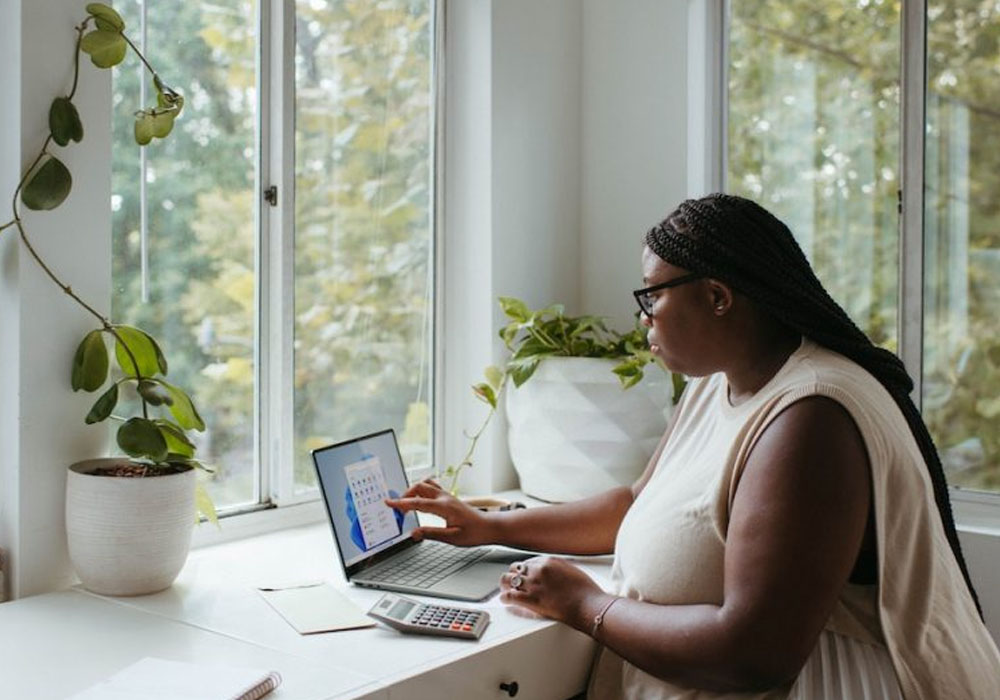
Setting up a home office that reads as professional on video calls comes down to details most people overlook until a client or a manager points them out. Lighting, background noise and what the camera can actually see all shape the impression a call makes, often more than anything said during the meeting itself.
None of this needs a full studio conversion or specialist equipment to get right. A few adjustments to the room itself, made once, tend to solve most of what makes a home office look and sound less professional than it could, and the fixes tend to be cheaper and quicker than people expect.
Fixing the audio before it becomes a problem
Echo and background noise usually come down to the room itself rather than the microphone being used, since hard floors, bare walls and large windows all reflect sound straight back into the space. Adding acoustic curtains across a window wall or a hard surface behind the desk cuts down on that reflected sound considerably, often more effectively than swapping to a pricier microphone on its own. Rugs, cushions and even a fully stocked bookshelf all help in a similar way, absorbing sound rather than letting it bounce back into the room and muddying whatever is being said. A room that sounds hollow on a recording usually sounds just as hollow live, so it is worth testing before a genuinely important call rather than discovering the problem partway through one.
Getting the lighting right
Positioning the light source in front of the camera rather than behind it is the single change that makes the biggest difference to how a call looks. A window behind the desk creates a silhouette effect that no amount of camera adjustment can fix, whereas facing towards the brightest available light keeps the face properly lit throughout a call rather than fading in and out as clouds pass overhead.
A few small habits keep lighting consistent across different times of day:
- Facing a window rather than sitting with it behind the desk
- Adding a simple desk lamp for calls that run into the evening
- Avoiding a single bright light placed directly overhead, which casts shadows under the eyes
Framing and background details that read as professional
How much of the desk and room the camera actually shows matters more than most people realise, since a shot filled mostly with ceiling or empty wall reads as careless rather than casual. Getting the framing right before a call starts, rather than relying on whatever angle the laptop happens to be sitting at, takes a few seconds and avoids the awkward mid-meeting adjustment that draws attention to itself. A tidy, uncluttered section of the room behind the desk, even a small one, reads as considered rather than staged.
Getting all of this right does not take specialist equipment or a big budget, just a bit of attention to how the room actually behaves during a call. Once sound, lighting and framing are sorted, the impression a home office gives on a video call stops being something to think about at all.