How a Self-cleaning Robot Mop Dock Washes and Dries the Mop Pad
A self-cleaning robot mop dock handles routine mop care. After cleaning, it can rinse the mop with fresh water, collect the used water, and dry the mop before its next run. You still need to refill tanks, empty dirty water, and clean accessible parts, but you no longer have to wash the mop by hand after every job.
The process varies by model. Some wash a spinning pad at the dock; others rinse a roller while cleaning, then wash it again at the station. Knowing the difference helps you compare docks and understand the maintenance that remains.
This guide walks through one dock cycle step by step, the maintenance that stays on your plate, and how to compare docks before you buy.
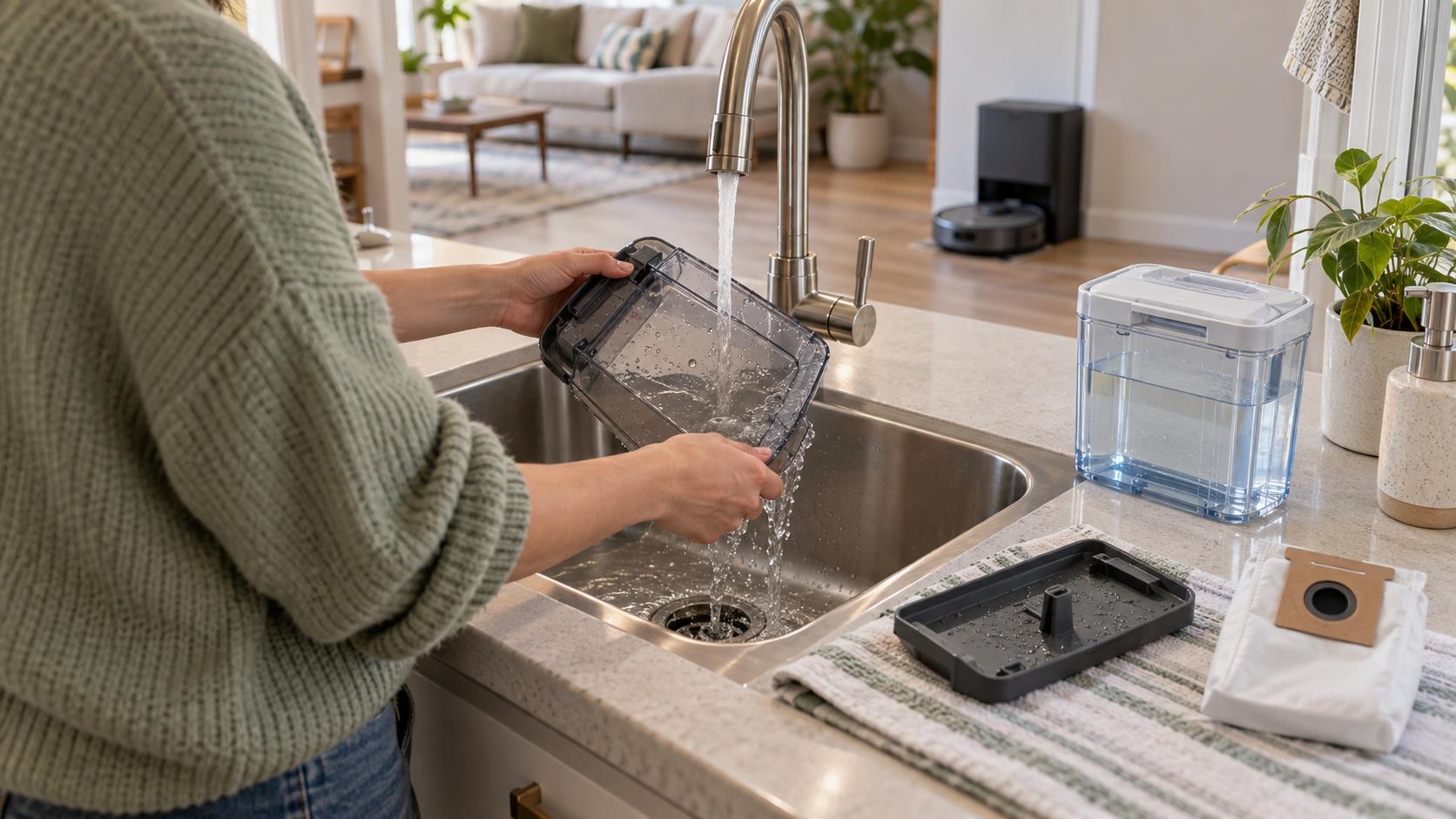
Alt: A homeowner rinsing a robot mop’s wastewater tank
What Happens When Your Robot Mop Returns to the Dock?
Once the robot finishes mopping, it returns to the washing area. Fresh water reaches the mop, used water drains away, and air removes moisture before the next clean. Five steps make up that cycle.
- The dock gets the mop ready for washing. The robot parks with its mop pad or roller over a tray, scraper, or other washing surface. Sensors confirm that the robot and its water connections are in place. Removing the robot at this point may pause the cycle.
- Clean water starts the washing cycle. The dock supplies water to the wash area or refills the robot. The clean-water tank holds that supply: you fill it to the marked level and install it in the dock, and the station sends water to the robot or washing area as needed. Use only the water and cleaning solution approved for your model. A liquid that creates excess foam or residue may disrupt sensors or drainage.
- Dirt leaves the mop through water and movement. Water loosens residue from the mop fibers or roller surface, while movement separates that residue from the cleaning material. Spinning-pad and roller systems do this on different schedules and by different mechanisms — the table below summarizes how and when each refreshes the mop.
| Aspect | Spinning pad | Roller mop |
| When the mop is refreshed | Mainly during scheduled returns to the dock | During cleaning, then again at the dock |
| How dirt is removed | Pads rotate against a textured tray or washboard | The roller passes against a scraper that removes used water and loosened debris |
| Practical effect during a run | Mop freshness depends partly on how often the robot returns for washing | The working surface can be rinsed and scraped while the robot continues cleaning |
Neither design is automatically better for every home — compare specific models on how and when they refresh the mop, how waste water is handled, and what needs manual cleaning.
- Dirty water moves into a separate tank. Water that has picked up dust, food residue, and floor grime moves into a dirty-water tank instead of returning to the fresh-water supply. This separation keeps used wash water away from the next rinse, although residue can still collect in the tank and drainage path. A blocked tray, filter, or outlet may leave standing water or slow the process. Check the tray for residue when water does not drain correctly.
- The dock dries the mop before the next run. After washing, the dock directs room-temperature or heated air across the mop. Drying can continue after the louder washing sounds stop, so check the app or manual before assuming the cycle is complete. Drying removes moisture before the robot sits idle, and a drier mop is easier to store between runs. However, drying cannot compensate for a worn mop or a dirty wash area. Drying does not mean sanitizing. According to the CDC, cleaning removes dirt and impurities, while sanitizing and disinfecting use methods or products intended to reduce or kill germs. Unless a product has a supported sanitizing claim, describe the dock as washing and drying the mop, not sterilizing it.
What You Still Need to Clean and Refill
A self-cleaning dock reduces repetitive work, but it still needs a short maintenance routine:
- Empty and rinse the dirty-water tank.
- Refill the clean-water tank and seat it correctly.
- Remove hair, mud, and crumbs from the washing area.
- Check accessible filters, outlets, floats, and seals.
- Inspect the mop pad or roller for wear and trapped debris.
- Replace consumables according to the app or manual.
- Use only approved cleaning products.
Emptying the dirty-water tank is one of the main owner tasks. Owners should clean the dirty-water tank after mopping to help prevent mildew or unpleasant smells, and rinse the tank and detachable washing tray as directed.
There is no single schedule for every home. Clean sooner if you notice standing water, slower drainage, visible buildup, or odor.
Is a Self-cleaning Dock Worth It for Your Home?
It can be worthwhile if you mop often and want to stop washing a pad after every run. Base the decision on which chores take the most time in your home:
- Automatic washing helps if rinsing a mop is the main annoyance.
- Drying matters if damp storage bothers you.
- Easy tank access may be more useful than another cleaning mode if carrying and emptying water is difficult.
Frequent mopping gives the dock more chances to save work, but it also fills the dirty-water tank faster. Consider how often you clean kitchens, entryways, pet areas, and other busy rooms.
How to Compare Docks and Choose
“Self-cleaning” can cover different features. Before comparing models, check what a dock actually automates and what it leaves to you:
| Function | What a full-service dock does | What remains manual |
| Mop washing | Washes the pad or roller at the dock | Sticky spills and trapped hair may need another pass |
| Drying | Directs room-temperature or heated air across the mop | Check the app or manual before assuming the cycle is complete |
| Water refill | Sends water from the clean-water tank to the robot or wash area | Refill the tank and seat it correctly |
| Dirty water | Draws used water into the dirty-water tank | Empty and rinse the tank |
| Dry debris | Some models empty dry debris automatically | Inspect tray, filter, and consumables |
Match the dock to your floor area. A larger floor plan uses more water and may send the robot back to its station more often, so check tank capacity, refill alerts, and how easy each tank is to lift and carry.
For households seeking more automation, eufy Robot Vacuum Omni E35 is one option. Its HydroJet™ 2.0 roller mop follows a four-step self-cleaning process that repeats four times per second while mopping, helping keep the mop supplied with fresh water and remove excess moisture as it works. When the robot returns, the ThermoFresh™ station hot-washes and dries the mop. The station also supports dust self-emptying, automatic detergent dispensing, wastewater collection, and clean-water refilling. Its tanks and accessible cleaning areas still require routine care.
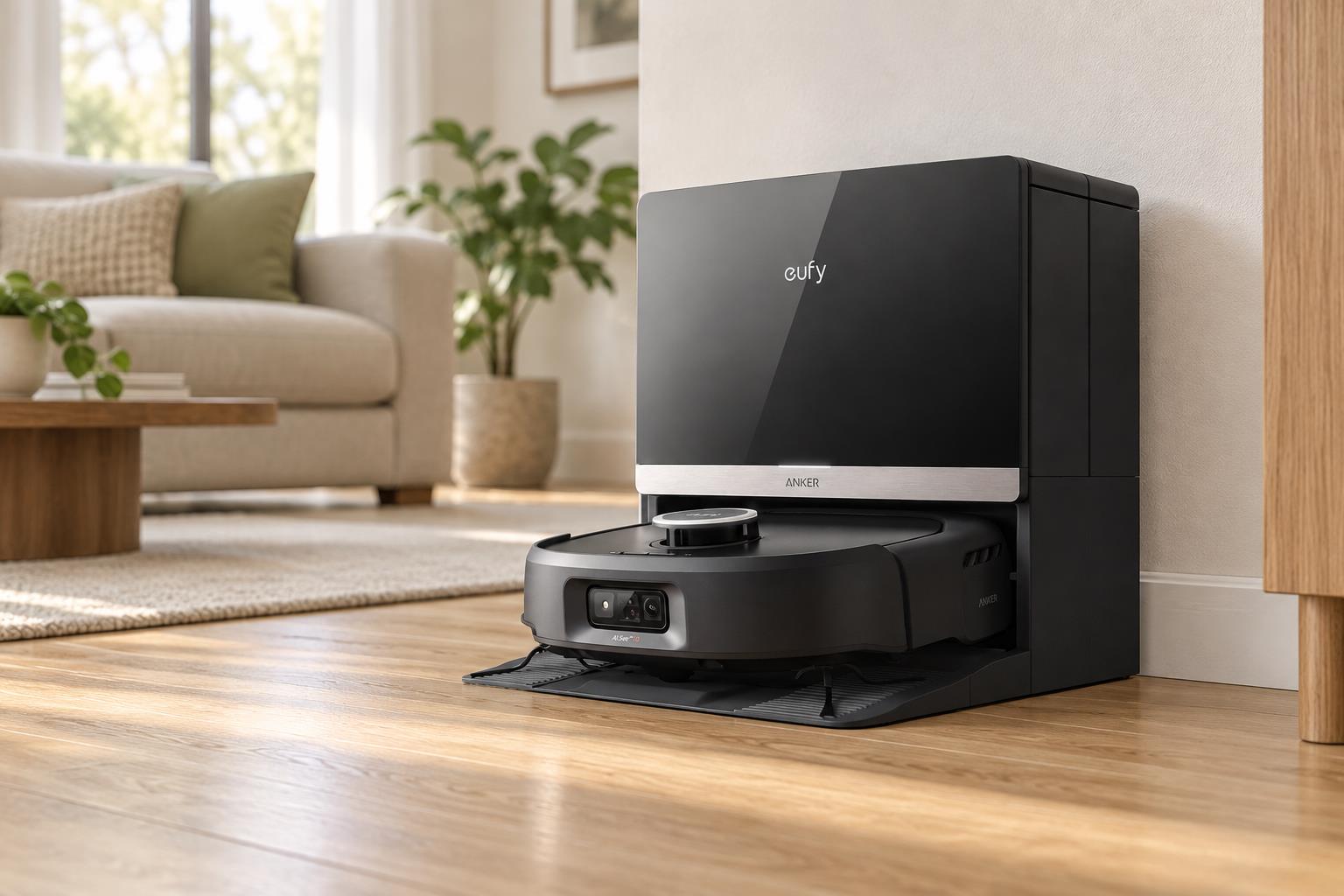
Alt: eufy Robot Vacuum Omni E35 docked at its cleaning station in a bright, modern living room
If you are comparing mop styles and dock functions, browse the eufy robot vacuum and mop collection.
Conclusion
A self-cleaning robot mop dock can wash the mop, separate used water, and dry the cleaning material before the next run. It reduces routine handling but does not remove the need to refill, empty, rinse, and replace parts. Compare docks by the work they automate and the maintenance they leave for you, then pick the model that removes the chore you mind most.